
Dog walking and pet sitting software in one place
Built for dog walkers, pet sitters, daycare, and kennels — your own subdomain and setup wizard; scheduling with cancellation policies; client intake; Design Studio for training summaries and marketing graphics; Stripe Connect and bank feeds; staff pay reports; GPS walk proof; branded client portal; WhatsApp requests; dog field bookings; expenses, mileage, and reports; and iOS/Android apps for your team.
Dog walking software · Pet sitting software · Dog daycare software · Kennel & cattery software · Pet care software
See PetWalkly in action
Web for the office, mobile for staff in the field — one dashboard for requests, to-dos, and today’s schedule; deep client and pet records; invoicing; and back-office finance tools in one system.
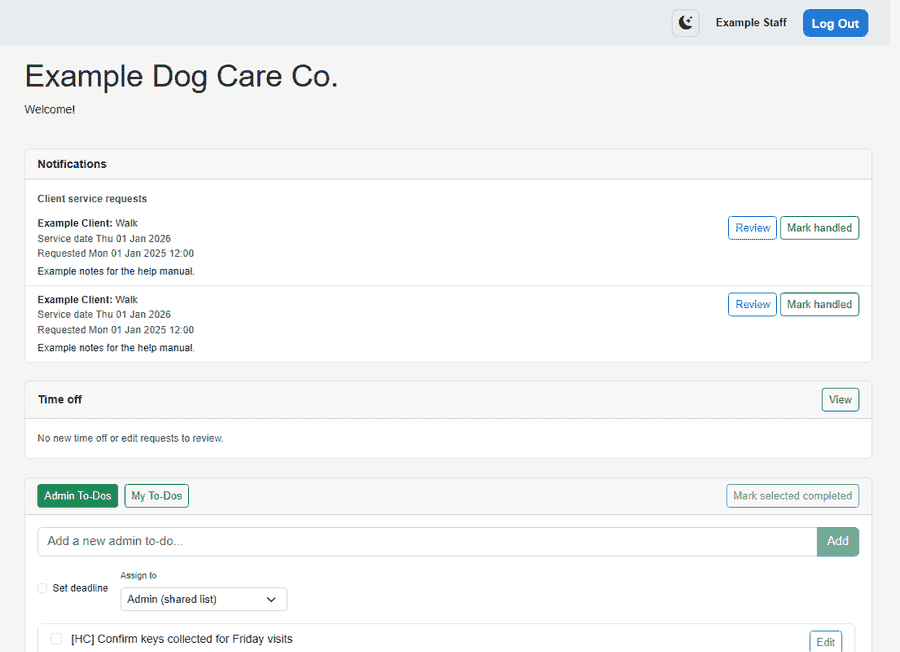
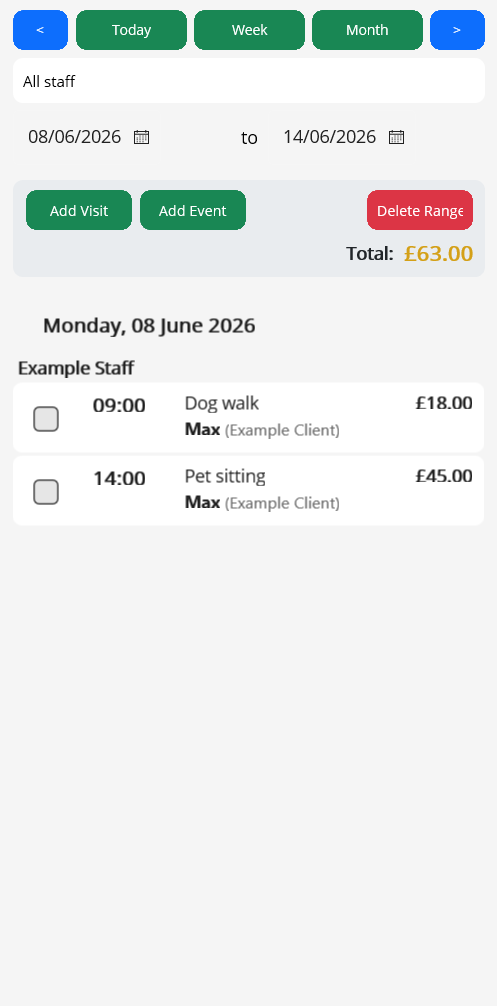
Screenshots use fictional example data.
How it works
- 1
Sign up
Request a free 30-day trial or subscribe to Solo or Team. We review trial requests before setting up your account.
- 2
Setup wizard
Branding, scheduling capabilities (standard times, daycare morning/afternoon, and/or boarding stays), services, areas, and optional Excel imports for clients, visits, and boarding — with support if you want a hand getting live.
- 3
Go live
Staff use the web app and mobile apps with your company login.
Easy to get started
Moving from spreadsheets or another tool? PetWalkly is built so you are not rebuilding everything by hand.
Support to set you up
Trial accounts are reviewed before we turn on your company login. Paid plans receive a welcome email with your URL and first-login steps.
- Guided setup wizard for branding, services, areas, and staff
- Email support for help with onboarding or billing questions
- Same team behind the product — not a faceless self-serve-only checkout
Bulk import your existing data
Download Excel templates, fill them from your current client list and schedule, and upload in the setup wizard or company admin.
- Clients and pets — one household per row; multiple pets with slash-separated names; optional phone, area, and billing fields
- Visits and schedule — bulk load from Excel (Morning / Afternoon in daycare mode, or a BoardingStays sheet for arrival–departure); error reports show rows that need fixing
- Export in the same format later if you need to adjust and re-import
Everything you need
View all features →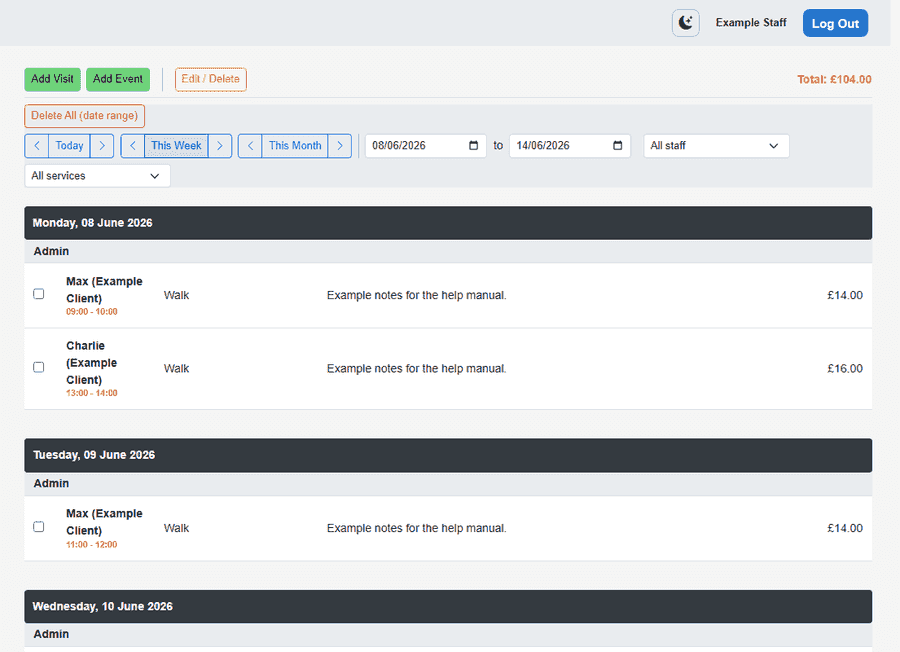
Scheduling
Visits, daycare, and boarding in one calendar
Clients & pets
Households, multi-pet profiles, and everything staff need before they leave
Client intake forms
Custom application forms, public links, and approve-as-client workflow
Operations dashboard
Requests, to-dos, dog field bookings, and today’s schedule in one place
Your brand & account
Your own subdomain, setup wizard, logo, mailbox, and data export
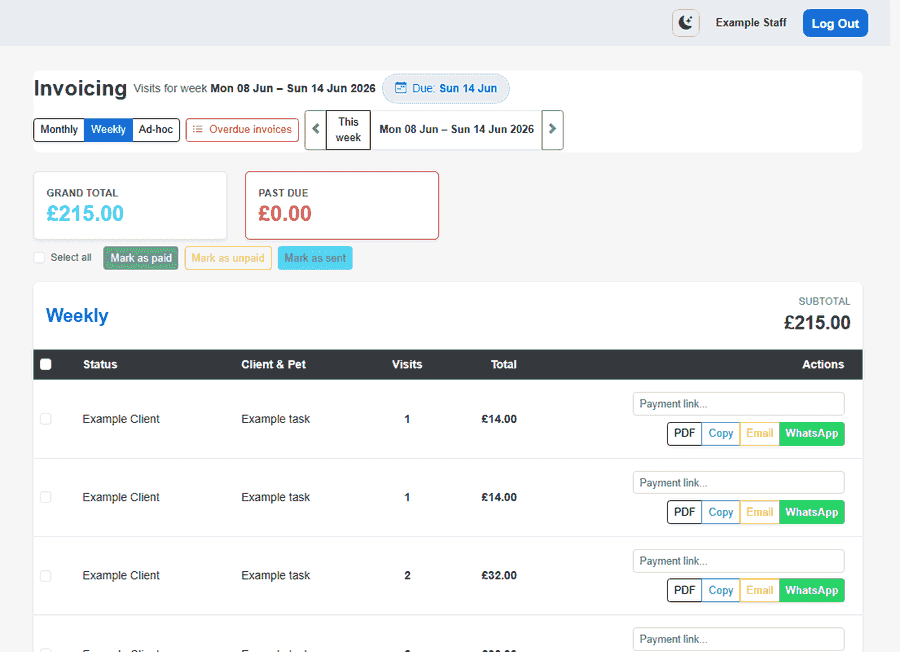
Invoicing
Turn visits into invoices and get paid
Client portal
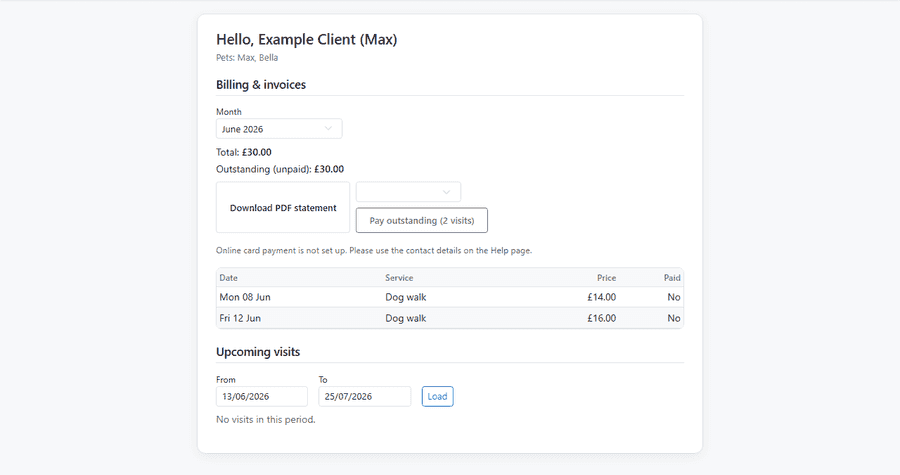
Branded online access for households
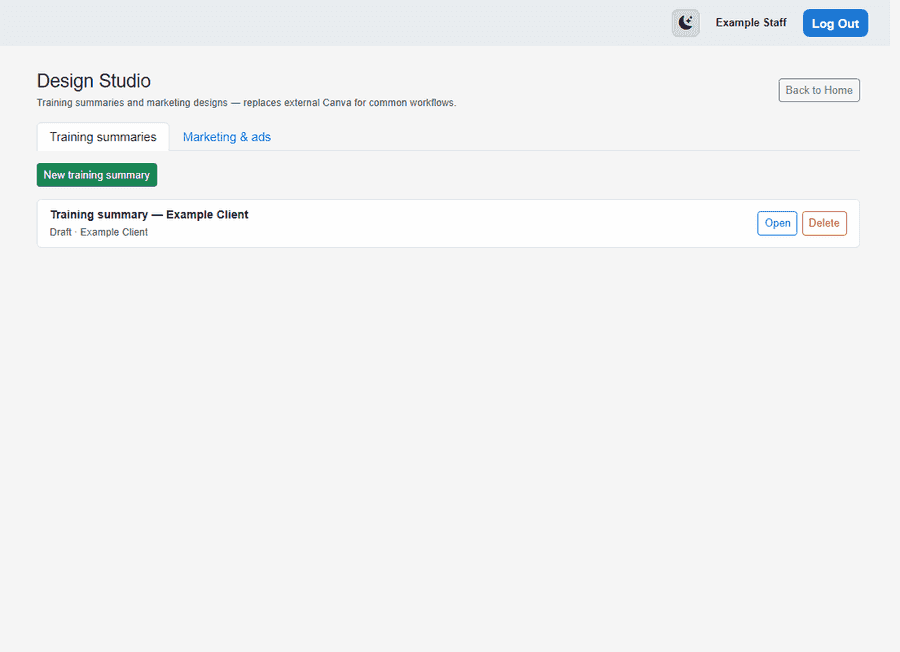
Design Studio
Training summaries and marketing designs — built in, no Canva subscription
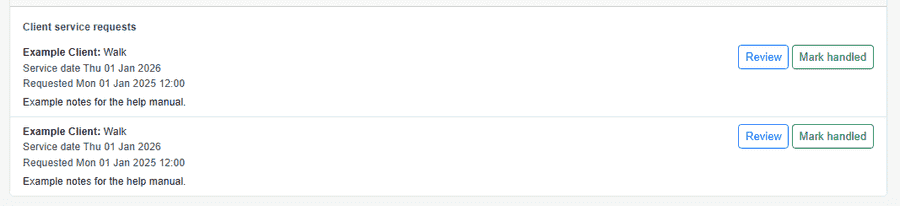
WhatsApp & messaging
WhatsApp messages become service requests
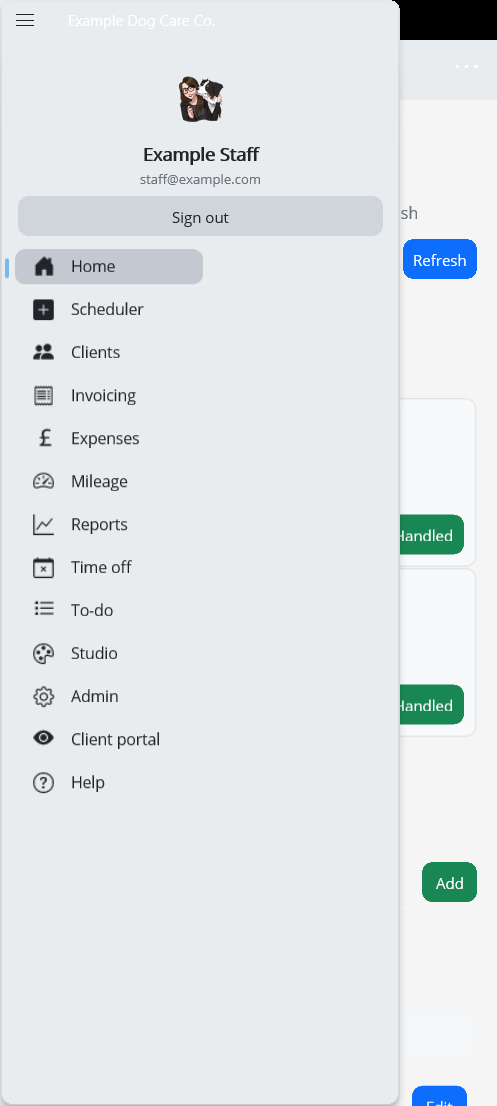
Mobile apps
Same schedule on iOS and Android
Run your business, not just your diary
Beyond scheduling and client billing — Design Studio, Stripe Connect and bank feeds, staff pay, walk proof, expenses, mileage, reports, and team time off.
Payments & bank feeds
Stripe Connect, PayPal, Monzo links, and bank transaction import
Learn more →
Walk GPS proof
Route evidence for completed walks — maps staff and owners can trust
Learn more →
Expenses, mileage & reports
Receipt OCR, visit-based mileage, and financial reports — not just client billing
Learn more →
Staff pay report
Per-visit pay rules and export for walker payroll
Learn more →
Team & time off
Staff permissions, leave requests, and scheduling that respects approved absence
Learn more →