
Dog daycare software for drop-off and day boarding
Stop fighting clock times when you run AM/PM sessions. PetWalkly daycare mode lets staff schedule by Morning and Afternoon, assign pets to each slot, and take matching requests from your client portal — on web and mobile.
Why PetWalkly for dog daycare and day-boarding businesses?
Morning and afternoon sessions, not clock puzzles
Enable daycare scheduling once in company settings or the setup wizard. The calendar shows Morning and Afternoon labels; staff assign which pets are in each session without picking HH:mm for every visit.
Clients request the right session online
When daycare mode is on, your client portal service request form offers Morning or Afternoon instead of a time window — the same choices your team sees on the schedule.
Bulk tools and imports that speak daycare
Bulk edit, repeat visits, and Excel import accept Morning, Afternoon, AM, or PM in the time column. Export uses the same labels when you need to adjust and re-upload.
Mobile for the yard and the office
Toggle daycare mode from mobile admin. Staff add visits with a session picker, see Morning/Afternoon on the day list, and use the same cancellation and pet-assignment tools as standard scheduling.
What you get
- Daycare mode toggle in admin and setup wizard
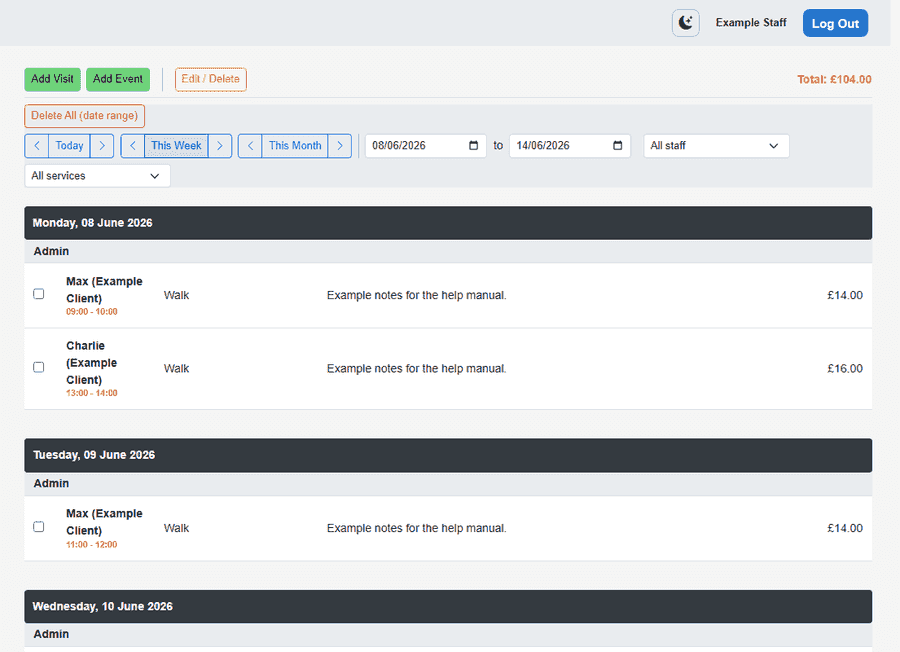
- Morning / Afternoon on web scheduler, client tab, and mobile
- Portal service requests with session picker
- Pet assignment per visit; events keep scheduled times when needed
- Invoicing, client portal, and WhatsApp service requests in one platform
- Design Studio for session handouts and social graphics
- Switch back to standard time-window scheduling anytime
Frequently asked questions
- What is PetWalkly daycare scheduling mode?
- A company setting that changes how you book regular visits: staff choose Morning or Afternoon and assign pets, instead of entering per-visit clock times in the scheduler UI. Events and standard time-window scheduling remain available when daycare mode is off.
- Can clients book morning or afternoon daycare online?
- Yes. With daycare mode enabled, the client portal service request form shows Morning and Afternoon options. Staff review requests on the home dashboard like any other service request.
- Does PetWalkly work for dog walking and daycare together?
- Yes. Many businesses offer walks and daycare. Use standard scheduling for routed walks and daycare mode when you primarily book drop-off sessions — one account, one client list, one invoicing setup.
- Can I import existing daycare schedules from Excel?
- Yes. Download the visit import template after choosing daycare mode in setup. Put Morning, Afternoon, AM, or PM in the time window column; PetWalkly maps them to the correct session when you upload.