
Mobile apps
Same schedule on iOS and Android
Staff install the PetWalkly app once, sign in with your company credentials, and carry the same schedule they see on the web.
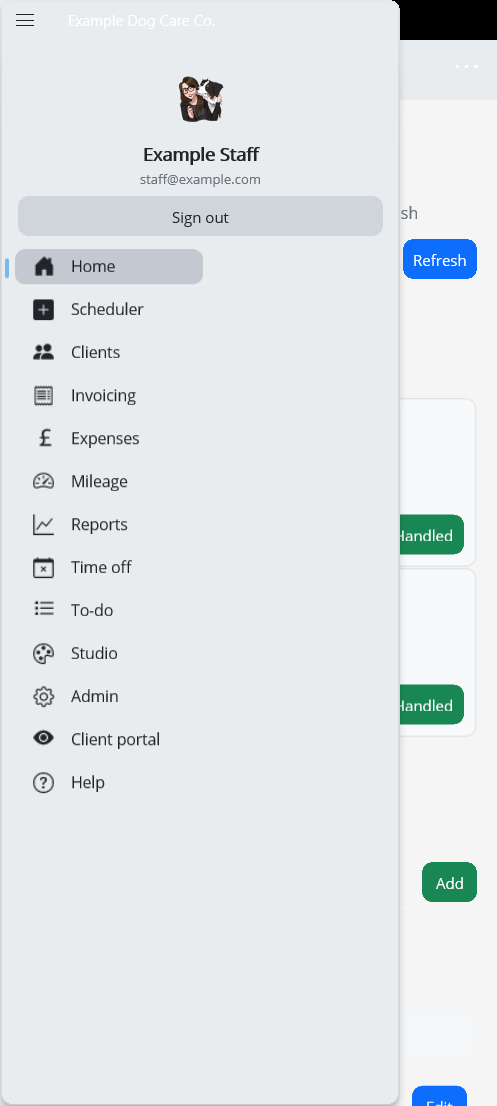
PetWalkly mobile mirrors core modules — scheduler, clients, invoicing, expenses, and more — so walkers are not stuck waiting for a call from the office.
Master admins open company settings, WhatsApp, intake, and finance modules on the phone when they are out — same permission gates as web.
Scheduler on the go
- Today, week, and month tabs to match how staff think about their route
- Daycare companies see Morning / Afternoon on the list instead of clock times
- Tap a visit for service details, client notes, and pet information
- Add or edit visits when plans change while someone is already out
- Bulk actions and repeat tools available from client-specific scheduler views
Clients and admin from the field
- Search clients and open profiles without returning to the office
- Bulk cancel or restore visits from mobile when plans change mid-round
- Update special pricing or portal access when a client calls mid-round
- Same permission model as the web — staff only see what their role allows
Office modules on your phone (admins)
Solo owners and office admins are not tied to a desk.
- Invoicing and client balances when your role includes finance
- Design Studio — create and publish training summaries or marketing graphics natively
- Expenses with receipt capture — OCR suggests amounts when the photo is clear
- Mileage and reports for owner-operators who live in the app
- Company settings: daycare toggle, WhatsApp webhooks, mailbox status
- Staff pay and time off approvals without opening a laptop
Stay in sync
- Schedule changes from the web dashboard refresh on the device
- Push notifications when visits are added, moved, or cancelled
- Admins alerted on new intake submissions and client service requests
- Time off outcomes pushed to staff when an admin approves or rejects
- Sign in with the same email and password as the staff website
- Available to active subscribers; master admin invites staff from the web dashboard
Google Play — coming soon
App Store — coming soon
WhatsApp service requests and group mappings are configured in company admin (web or mobile).
Get started