
Kennel and cattery software for overnight boarding
Book multi-night stays with run assignment and capacity checks — not clock times or AM/PM sessions. PetWalkly materializes each occupied night on your schedule while the stay record holds arrival, departure, and run.
Why PetWalkly for kennels, catteries, and mixed boarding businesses?
Stays with runs, not spreadsheet gymnastics
Define kennels and cat condos as runs. Assign a free run for the arrival–departure window; overlapping stays on the same run are blocked.
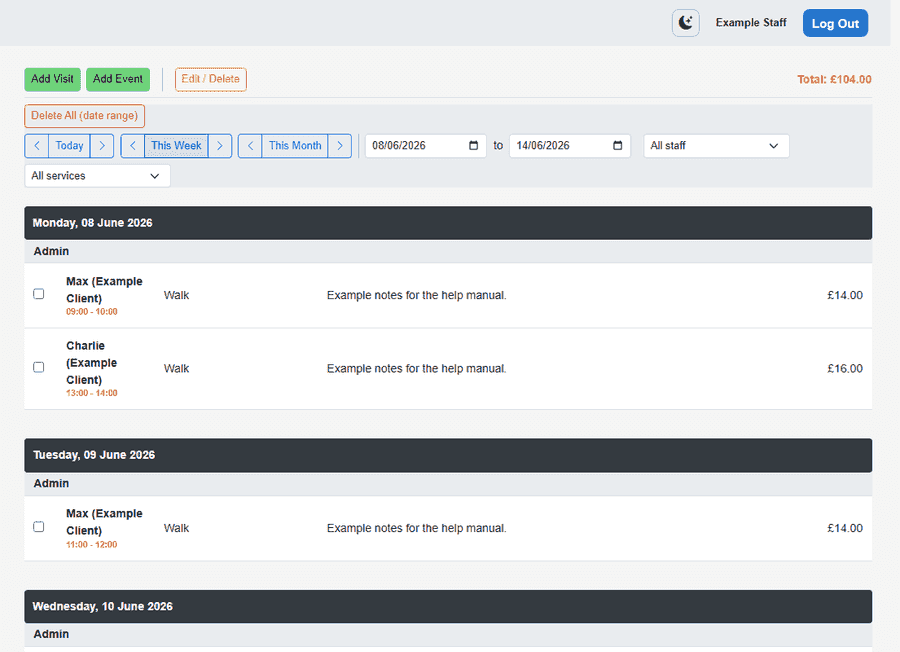
Scheduler shows who is in house
Boarding panel lists in-house guests, arrivals, and departures. Night rows appear on the day schedule as “In house” with run names for staff and mobile.
Clients request date ranges online
Portal service requests for boarding services use arrival and departure dates. Staff review on the home dashboard, assign a run, and create the stay.
Mix with walks and daycare
Enable standard times, daycare sessions, and boarding stays together. Each service uses the right scheduling kind — no single-mode lock-in.
What you get
- Boarding runs (dog kennel, cat condo, mixed)
- Stay wizard on web scheduler and client tab
- Excel import with Arrival, Departure, Run columns
- Capacity and overlap prevention per run
- Mobile stays list and add-stay with run picker
- Optional max concurrent boarders company-wide
Frequently asked questions
- How is boarding different from dog daycare scheduling on PetWalkly?
- Daycare uses Morning and Afternoon sessions for same-day turnover. Boarding uses arrival and departure dates, assigns a run/pen, and creates one schedule row per occupied night. Many businesses enable both.
- Can I run a kennel and cattery on one account?
- Yes. Use run kind (dog, cat, or mixed) on each pen or condo. Services can be tagged as Stay scheduling; the same stay workflow applies.
- Does the client portal support boarding requests?
- Yes. When the client picks a Stay-type service, they choose arrival and departure dates. Staff assign a run when accepting the request.
- Can I import existing boarding bookings from Excel?
- Yes. Use the BoardingStays sheet in the visit import template with Arrival, Departure, and Run columns. PetWalkly creates stays and night visit rows.