Client intake forms
Custom application forms, public links, and approve-as-client workflow
Stop copying “new client” details from email threads into your CRM. PetWalkly gives you a form builder, shareable links, and a review queue that ends in a proper client record.
Publish a form when you are ready — each form gets a stable `/apply/…` link you can put on your website, social bio, or WhatsApp auto-reply.
Admins get push notifications when someone submits; review, edit answers, reject, or approve as a new client with portal access in a few clicks.
Build the form once
Match the questions you already ask new owners — vaccines, emergency contacts, access notes, and service interest.
- Create and publish forms from admin → Intake
- Copy stable public URLs for your website or printed materials
- Activate, duplicate, or retire forms as your onboarding process evolves
- Separate forms for dog walking, daycare, boarding, or sitting if you need them
Prospects apply online
- Applicants complete the form on mobile or desktop without a staff login
- Submissions store answers ready for your team to review
- Invite links pre-associate a submission with a household you are onboarding
- Works alongside WhatsApp and portal service requests — one Requests hub on home
Review and approve
- Open intake review to read answers and fix typos before you create the client
- Reject with a reason when someone is not a fit
- Approve as new client: pets, contact details, and portal flags carry over
- Admins receive push notifications on new submissions when configured
Explore more
- Scheduling — Visits, daycare, and boarding in one calendar
- Clients & pets — Households, multi-pet profiles, and everything staff need before they leave
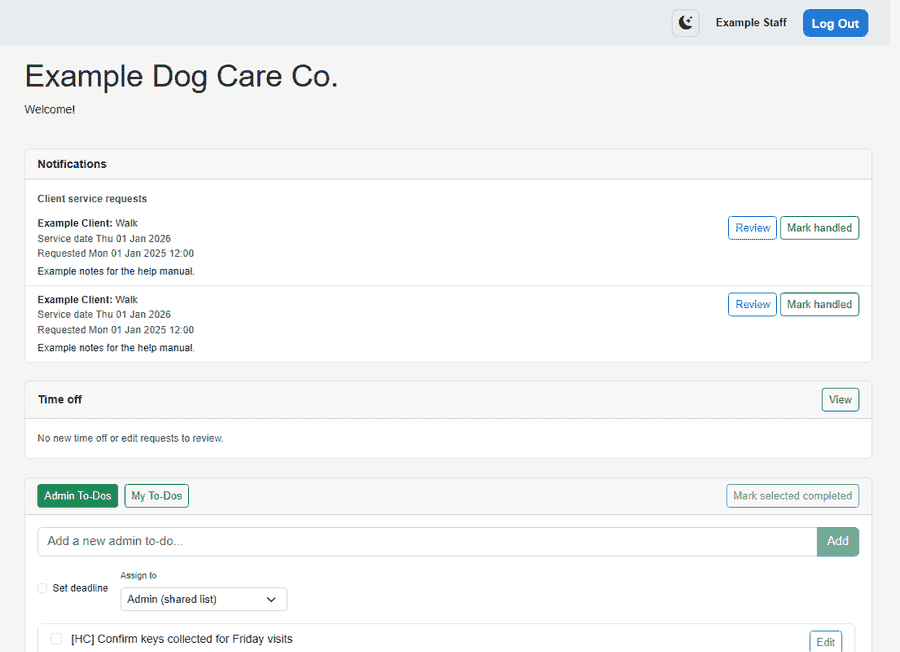
- Operations dashboard — Requests, to-dos, dog field bookings, and today’s schedule in one place
- Dog field bookings — Secure field hire — booking groups and optional email ingest